- Request Access
You’ll need to let the IT team know that you would like to use the app so they can grant you access. - Download the App
Download “Paxton Connect” from your app store. - Set Up Access Method
You’ll need to have Face ID enabled, or you will be required to enter your login details each time you open the app. - Select Net2Online
- Sign In
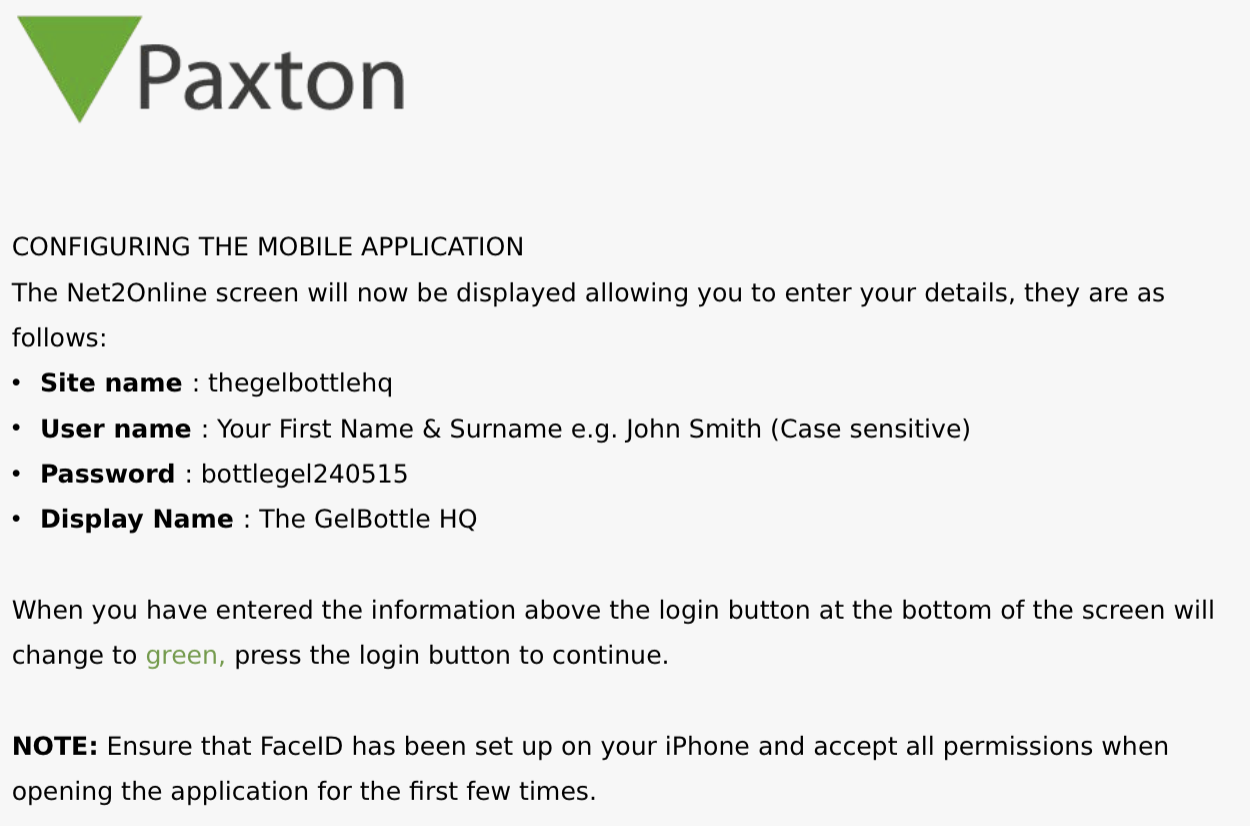
Use the login details provided below to sign into the app. - Select Location
Once logged in, you’ll see “The GelBottle HQ” – tap this and select “Open Door”. - Unlock Doors
You’ll see a list of all HQ doors. Simply tap the door you want to unlock.
Was this article helpful?
That’s Great!
Thank you for your feedback
Sorry! We couldn't be helpful
Thank you for your feedback
Feedback sent
We appreciate your effort and will try to fix the article